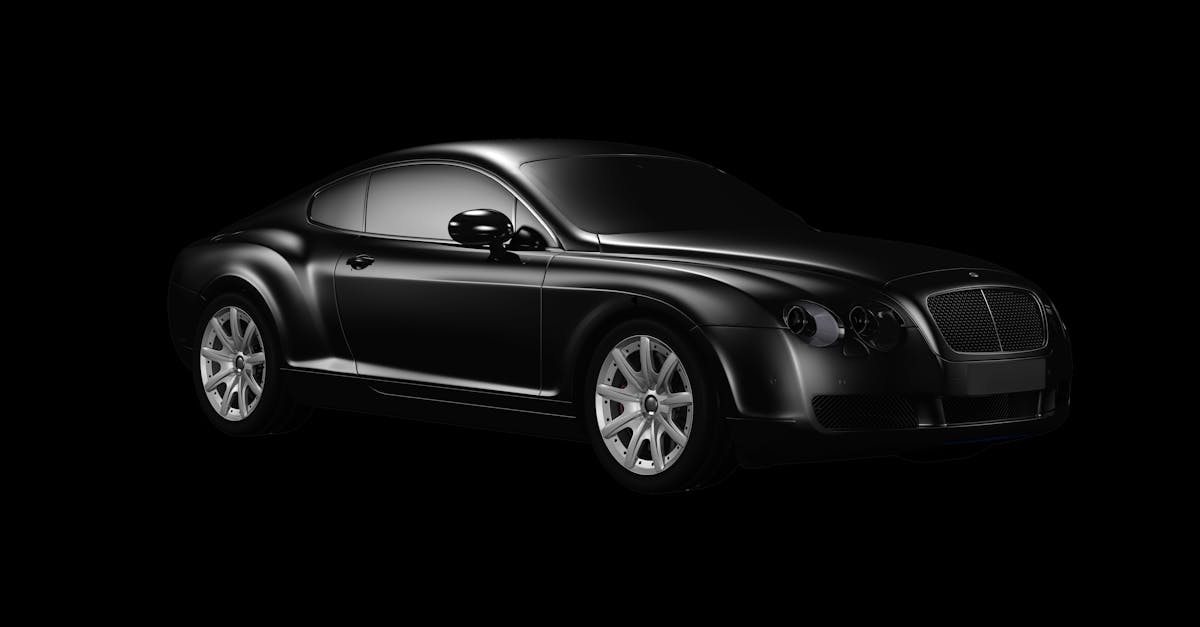
A used car dealership outside Łódź. It's Friday, the season is picking up, and a freshly washed Passat sits on the lot. An employee snaps a photo with a phone, and in the background there's a garbage container, a wire fence and half of the neighbor's Ford. The photo is decent and the car is clean, but the background ruins everything.
That's where a question I hear from dealers regularly comes in: how do you remove that background so the car looks like it came straight from a showroom? No photographer, no studio, and no paying someone by the hour for Photoshop work. Below are six ways to remove the background from a car photo online, with specifics on when each one makes sense and when it's a waste of time.
1. An app built specifically for cars
The least hassle and the best result
General-purpose tools cut out everything: a dog, a chair, a person, a car. The problem is that a car has tricky edges: mirrors, antennas, gaps between the wheels, reflections in the paint. An app trained on cars handles all of this much better.
CarShot does exactly that. It takes a photo from your phone and replaces the background with a clean, studio-style one, while also improving the paint look and blurring license plates. We described how it works step by step in the section on removing backgrounds from car photos. In other words: one tool instead of five.
2. Free online background removers
Fast, but the results are a lottery
You type "remove background" into Google, upload a photo and click. It works in three seconds, and sometimes the result is genuinely decent, especially when the car was parked against a plain background in good light.
On the other hand, with dark paint, shadows under the sills or a mesh fence in the background, these tools lose the edges. They cut off a piece of the bumper and leave scraps of the fence behind. For a single quick photo, fine. For your whole lot, forget it.
3. Photoshop or GIMP, done manually
Full control, but it takes hours
Masks, the pen tool, selections, shadow matching. Yes, it can be done perfectly. A professional designer will cut out a car so cleanly that nobody will notice.
But it takes 15–30 minutes per photo if you do it properly. With twenty cars a month and several photos for each, work out for yourself how many hours that adds up to. Let's not beat around the bush: for a dealership with fast-moving stock, the time simply doesn't add up.
4. Hiring a designer or an agency
Convenient, until you look at the invoice
You send over a batch of photos and get back finished cutouts. Zero work on your side. It sounds ideal.
The cost? From a few to over a dozen zloty per photo, and then you wait, sometimes a day, sometimes three. A car you want to list today just sits there not earning anything. You can calculate how much a photographer or outsourced editing really costs compared to an app in the free savings calculator, which works without registration.
5. Mobile "cut out object" apps
Good for social media, weak for listings
Today your phone has plenty of apps that cut out an object with one swipe. They're great for a quick Instagram post or story. You drop the car onto a colorful background and you're done.
The problem is that the quality is often too low for Otomoto, where resolution and a clean frame matter. Jagged edges, dull paint, the wrong format. Fine for fun, but not necessarily for a serious listing.
6. Keeping the background and improving everything else
Sometimes the best background change is no change at all
You don't always have to cut out the background. If the car is parked on a clean lot or in front of a nice wall, it's better to keep the natural background and only improve the lighting, color and sharpness. A car cut out onto a white background can look suspicious, because buyers know something has been touched up.
It comes down to judgment. If the background is clean and even, leave it. If there's clutter, a trash can or half of the neighboring car, cut it out. The rest is paint and lighting retouching, which we cover in more detail in our article on automatic car photo retouching.
When is cutting out the background actually worth it?
Not for every listing. A white studio background works well for higher-end cars, imports and premium offers, because it creates an impression of order. But for an ordinary used car, a natural, well-composed shot on the lot sometimes works better.
What's more, removing the background isn't everything. These also matter:
- Resolution – a photo that is too small looks even worse after the cutout. You can check this with our free photo quality checker, no sign-up required.
- License plates – blurred, because this is information you don't necessarily want to show the entire internet.
- Format – one for Otomoto, another for a square Instagram post.
- Consistency – if one car is cut out onto white and another is shot on the lot, your listings look chaotic.
What to choose, specifically
It depends on your scale, and I'll explain why in a moment. Selling a single car privately? A free online background remover or a mobile app is enough. You post once every six months, so there's no point investing in anything more.
Running a used-car lot or a dealership that turns over a dozen or more cars a month? Here, time and repeatable results matter. Manual work in Photoshop will eat up your hours, an external designer will slow you down, and free tools will give you uneven quality. An app built for cars that removes the background, improves the paint and exports ready-to-use formats pays for itself in the first week. We show how it works behind the scenes in the section how CarShot works step by step.
One thing is certain: the photo sells before the customer reads the description. A background with a trash can in it costs you clicks you will never see in your statistics. Those clicks are phone calls, and those phone calls are deals. It's as simple as that.


