A logo instead of plate numbers, or a covered plate — before the photo goes into your listing
A license plate number is data you needlessly reveal to anyone who sees your listing. CarShot replaces the plate with your company logo or covers it — on every photo, with matched perspective and lighting.
Blur license plates for free →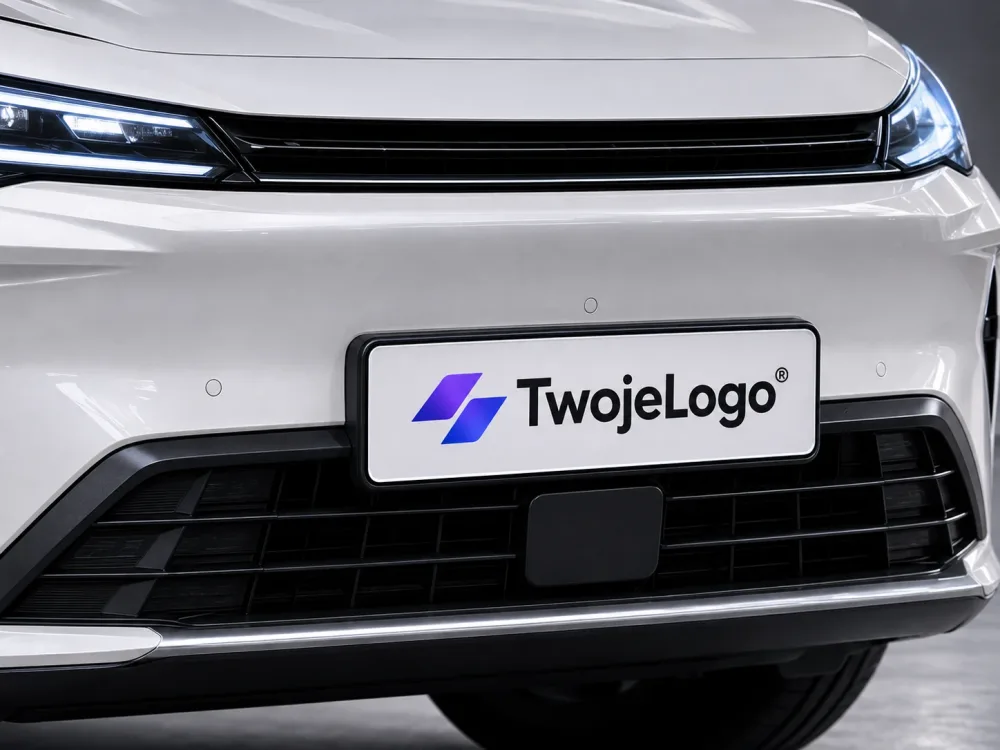
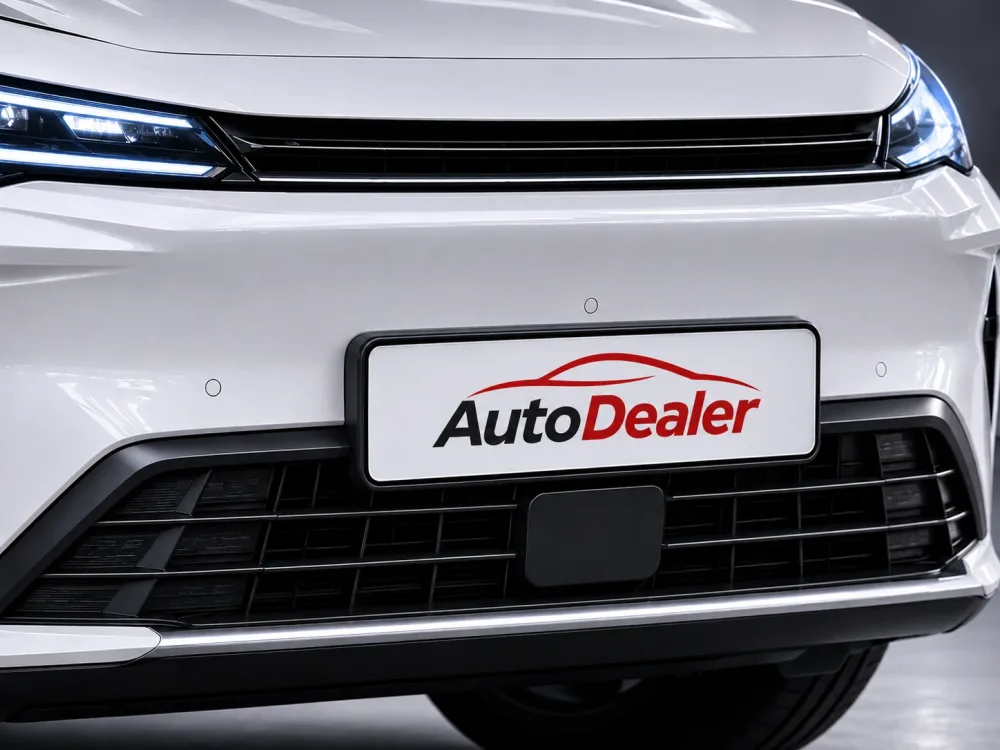

Your company logo instead of license plate numbers
Upload your logo once, and CarShot places it on the plate in every photo. Prefer to have the plate simply covered, or left unchanged? You can choose that too, with a single switch.
- Your logo on the license plate
- Plate covered — GDPR-compliant
- Matched perspective and lighting
- Every shot from the front or rear of the car
Three ways to handle the plate
Covered
The default setting: the number is blurred smoothly, with no sharp mask edges. You can change it once, globally, or for a single photo.
With your logo
Your company logo is placed on the plate with matched perspective and lighting, so it looks like a natural part of the photo.
Unchanged
When selling a company fleet, you can leave the plates visible. The choice is yours and applies to the entire set of photos.
A registration number is personal data too
A license plate combined with other data can lead to the identification of a car's owner, especially with a used car, where the previous owner appears in the vehicle history. Publishing listings with a visible plate without a clear need is not good practice.
CarShot solves this automatically, so you don't have to remember to blur the plate in an external editor before publishing.
Applies to every photo in the set
The setting covers all angles, front, rear and side, not just one photo with a visible plate.